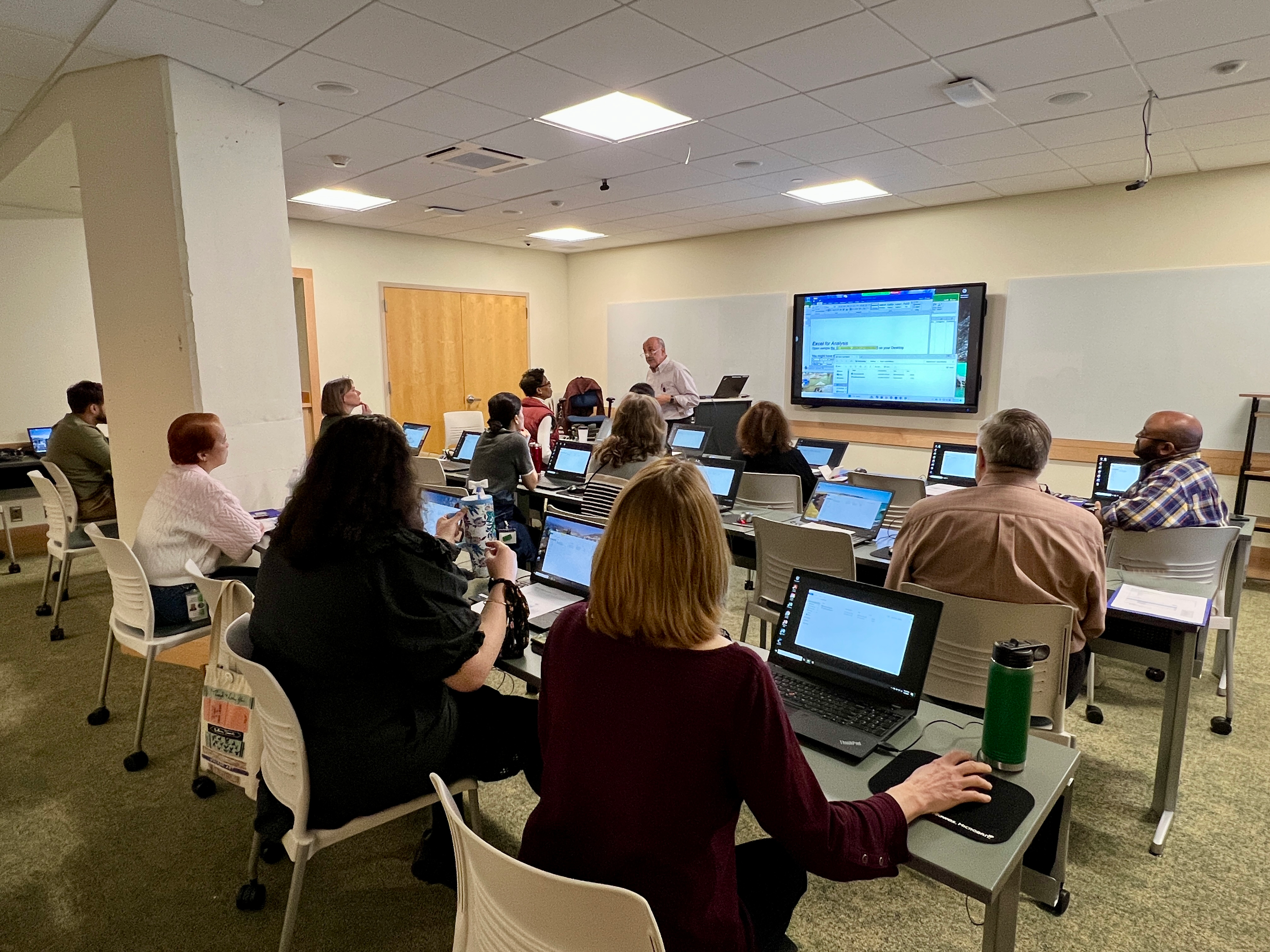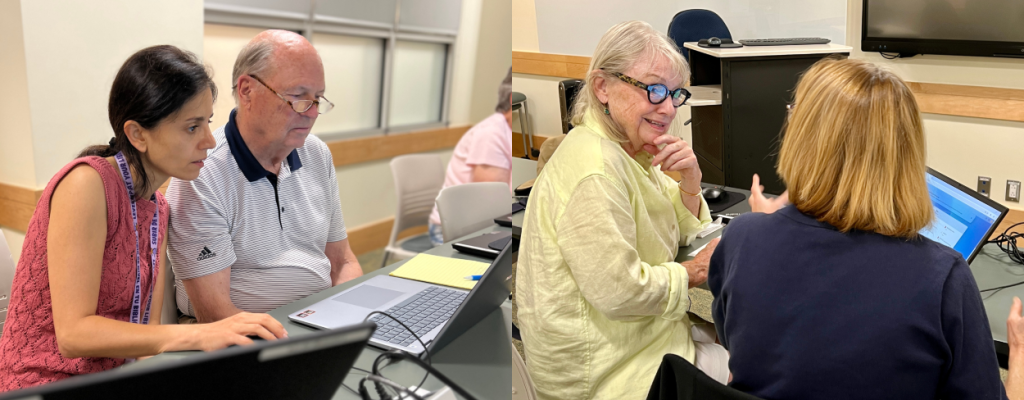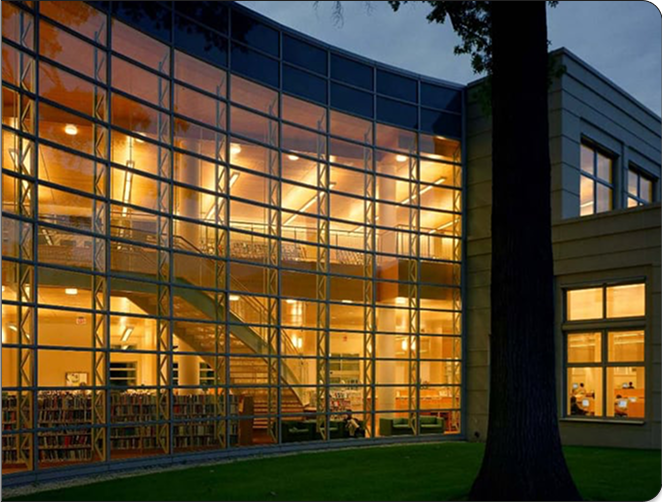
Technology Training Centertraining room laptop computers

Greenwich Library's Technology Training Center offers hands-on programs and lecture demonstrations to teach computer basics, software programs, Internet searching skills and library resources.

The mission of the Training Center is to create an environment in which Greenwich Library staff and patrons can empower themselves with a practical understanding of current technology.

tech training

PROGRAM DESCRIPTIONS

Computer/Internet Skills

PC Basics

60 min
Now is your chance to learn and sharpen your computer skills. In this hands-on class, learn computer, mouse and keyboard basics. Practice during the class and questions are welcome. No experience is necessary.


Basic Internet

90 min
This session covers Internet background, some basic Web navigational skills, and a short tour of Greenwich Library's Web site. Sessions have been designed with the novice in mind. No previous Internet experience needed.


NetSearch - Using Search Engines

90 min
Want to know how to find information on the Internet? Learn tips and tricks for tracking down information on the Web. Learn to search using three different tools: a directory (Yahoo), search engine (Google) and a metasearch engine (Metacrawler). Some computer and Internet experience necessary.


The Good the Bad and the Ugly--Evaluating a Web Page

Learn how to avoid "cyber trash" and find treasure on the Internet!
90 min
Tips and techniques for evaluating materials found on the Internet. Come to this session if you plan on using the Internet as one of your research resources--there is a vast amount of information on the Internet--some good, some bad, and some really ugly. Learn how to tell the difference! Some computer and Internet experience necessary.

Some Examples of sites that illustrate evaluation issues


Email Basics

30 min
Learn how to set up an email account; how to compose, send and receive email.


Google Basics

30 min
Learn how Google works and how to perform basic searches to access relevant websites. Use Google to find news, images, maps, companies and information. Although Google is a search engine, this program explores other aspects.


Google Extras

30 min
Beyond basics, beyond searching, explore Google Earth, Google Labs, Google Apps, and Google's digitization program.


Greenwich Library Resources

Greenwich Library Web Site

60 min
This session features a Library Web site tour, focusing on the links our librarians have chosen in a number of different subject areas. This is your chance to experience the best of what the Internet has to offer. Some computer and Internet experience necessary.


Manage Your Library Record

30 min
Learn to use your library card online to access your library account. Keep track of checked out materials and dates due; renew items and request materials.


Your Greenwich Library Card Online

30 min
In addition to managing your library record, learn how to your Greenwich Library card allows you to access databases remotely (at home, school or work... anywhere you have access to a pc). Check out online texts and download audio books to an MP3 player.


Databases @ Your Library

30 min
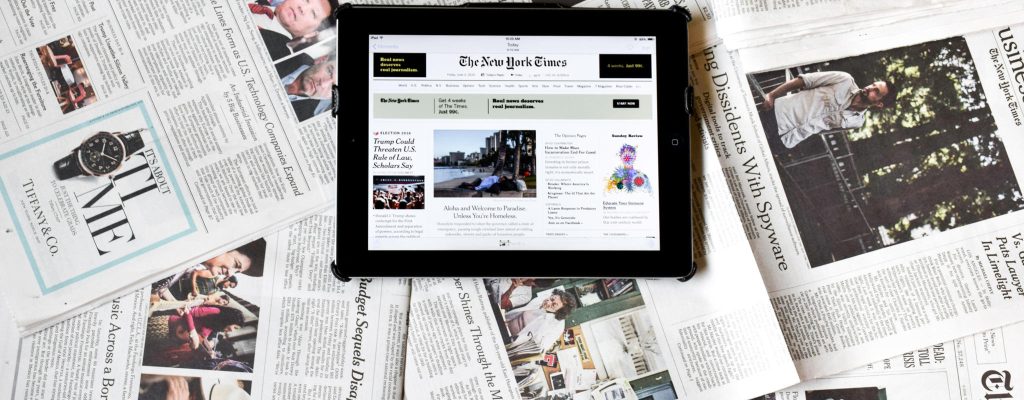
Greenwich Library has over 80 databases for health, business & industry, art & antiques, genealogy, music, downloadable audio books, government, education, science, general reference and newspaper/magazine information. Our Greenwich Library staff will provide hands on introduction and practice on one database per session.


Greenwich Time Index

60 min
Greenwich Library has the only full archive of the Greenwich Time. Learn to access the Greenwich Time Index and search for articles on database and microfilm in a collection that goes back to the late 1800's Greenwich Time. Articles are available online, microfilm and in print at Greenwich Library. The Greenwich Time is a great source to find marriages, obituaries and local history information.


Special Presentations

Spotlight On...

90 min
Check our class calendar throughout as we spotlight resource collections to find Business, Health, Genealogy, Grant Research or other subject specific information.


Adaptive Technologies at Greenwich Library

60 min
An overview of Kurzweil, Optelec, and additional resources we have for patrons with special needs.


PROGRAM SCHEDULE


View the Technology Training Center's Program Schedule in the Evanced Calendar.


ABOUT TECHNOLOGY TRAINING CENTER

The primary mission of the Technology Training Center is to create an environment in which Library staff and patrons can empower themselves with a practical understanding of current technology.

Goals of the Technology Training Center are:

  • to be a valuable technological resource to all participants regardless of their level of knowledge of computers and technology;
  • to provide an environment in which participants will feel comfortable exploring and learning a variety of new technologies;
  • to provide the technological and intellectual tools necessary to utilize the computer;
  • to empower participants with a better understanding of today's technology;
  • to integrate the participant's lives with technology in an effort to better prepare them for today's and tomorrow's library environment.

Technology Training Center program dates and times can be found on Greenwich Library's Web site. Look for programs throughout the year on databases, technologies and library resources.

Classes are limited to 18 participants. To register for a class or to contact the Technology Training Center, call (203) 625-6508 or email trainingcenter@greenwichlibrary.org

Jasmine Posey
Training Librarian
Greenwich Library
101 West Putnam Ave
Greenwich CT 06830
jposey@greenwichlibrary.org


TRAINING CENTER RESOURCES

INTERNET/COMPUTER AND SEARCHING THE WEB:

Internet/Computer Links:

Staff recommended sites to search the Internet, practice computer skills, find out about technologies

Greenwich Library Favorite websites by subject


GREENWICH LIBRARY COLLECTION RESOURCES: Available to checkout

Computer Guides for Seniors

Guides to Books on Microsoft/Mac/PC software basics


GREENWICH LIBRARY ONLINE TUTORIALS

Mousercize

Practice your mouse skills here


TECHNOLOGY AT GREENWICH LIBRARY:

Computer Use at Greenwich Library

WiFi

Downloadable Library

Greenwich Library Online Resources/Databases


COMPUTER USE AT GREENWICH LIBRARIES

Public Computers

Greenwich Libraries public computers are available at the Main library, Cos Cob, Byram branches and Perrot Library.
At the Main Library, areas are devoted to teen computer use and the main children's room computers are only for children 12 and under.

Our Internet searching computers have Microsoft Office (Word, Excel, PowerPoint)

There are floppy disk drives and USB drives available for patrons. Floppy disks are sold at the Café and Welcome Desk areas.

Internet Terminals FAQs


Printing:

Greenwich Library does not charge for printing at this time, but encourages printing responsibly by limiting printing per patron to 21 pages at a time. Printers are black and white, letter size only.


WIFI Access


Laptop use: Connecting via your laptop at Greenwich library


Bloomberg Terminal:

In the Business Services Area of Greenwich Library, patrons can sign up to use Bloomberg Professional Service.


CDROM Terminal:

At this terminal, located at the Periodicals desk, staff assists patrons in installation and use of CDROMs. This PC does not have Internet access.

tech training room computers

TECHNOLOGY TRAINING PROGRAMS: REGISTRATION

To register for Technology Training programs, please call 203-625-6508, or email trainingcenter@greenwichlibrary.org


Technology TrainingGreenwich Library Technology Training Programs RSS Feed

See all Technology Training Programs for Greenwich LibrarySee all Technology Training programs